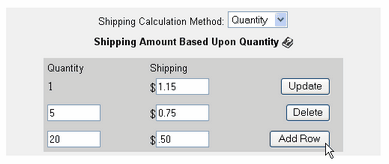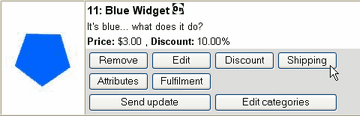
| 1. | Select "Quantity" from the drop-down selection box.
|

| 2. | Enter the amount of shipping that is to be charged for quantity 1 or more and click Update. This amount will be multiplied times the quantity of products in the basket until the quantity of this product is greater than the next quantity level. (in the next step)
|
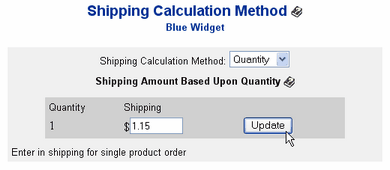
| 3. | After the form is updated, a second row will appear. Enter the quantity to begin and set the shipping amount to charge, then click Add Row.
|
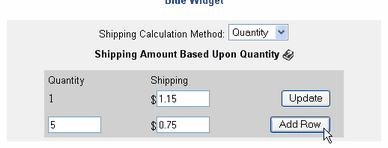

| 4. | If there are no more quantity shipping charge levels to add, you are finished and may exit by clicking on any of the Administration Panel navigation links or by closing the browser. To add another quantity shipping level, enter the next quantity level and shipping amount, then click Add Row. Repeat as needed for the number of levels desired and click Add Row to save each one.
|