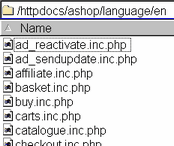
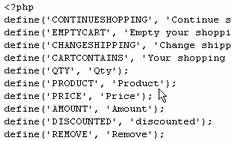
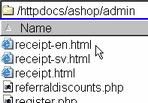
1. Make a copy of the set of files that are in the language/en directory and rename it with the 2 character abbreviation for the language, for instance French is fr, Spanish is sp, etc. Translate the text in all of the files within the fr directory. The words with all capital letters on the left hand side are the constant names. Don't change the constant names! The text is on the right hand side in each line. If you use quotes (single ' or double " ) escape them with a backslash \" or there will be parse errors when you run the scripts.